Alert-Modal
Basic
Let's say you want to create a simple Alert-Modal. So let's take an example how you do it, check it out below.
For model developer have to create state, just like :
const [confirmModalOpen, setConfirmModalOpen] = useState(false);
For onCancle event developer have to create one funtion, just like :
const handleCancle = () => {setConfirmModalOpen(false);};
<ConfirmModal
  isVisible={confirmModalOpen}
  onConfirm={() => alert('confirmed')}
  onCancel={handleCancle}
/>
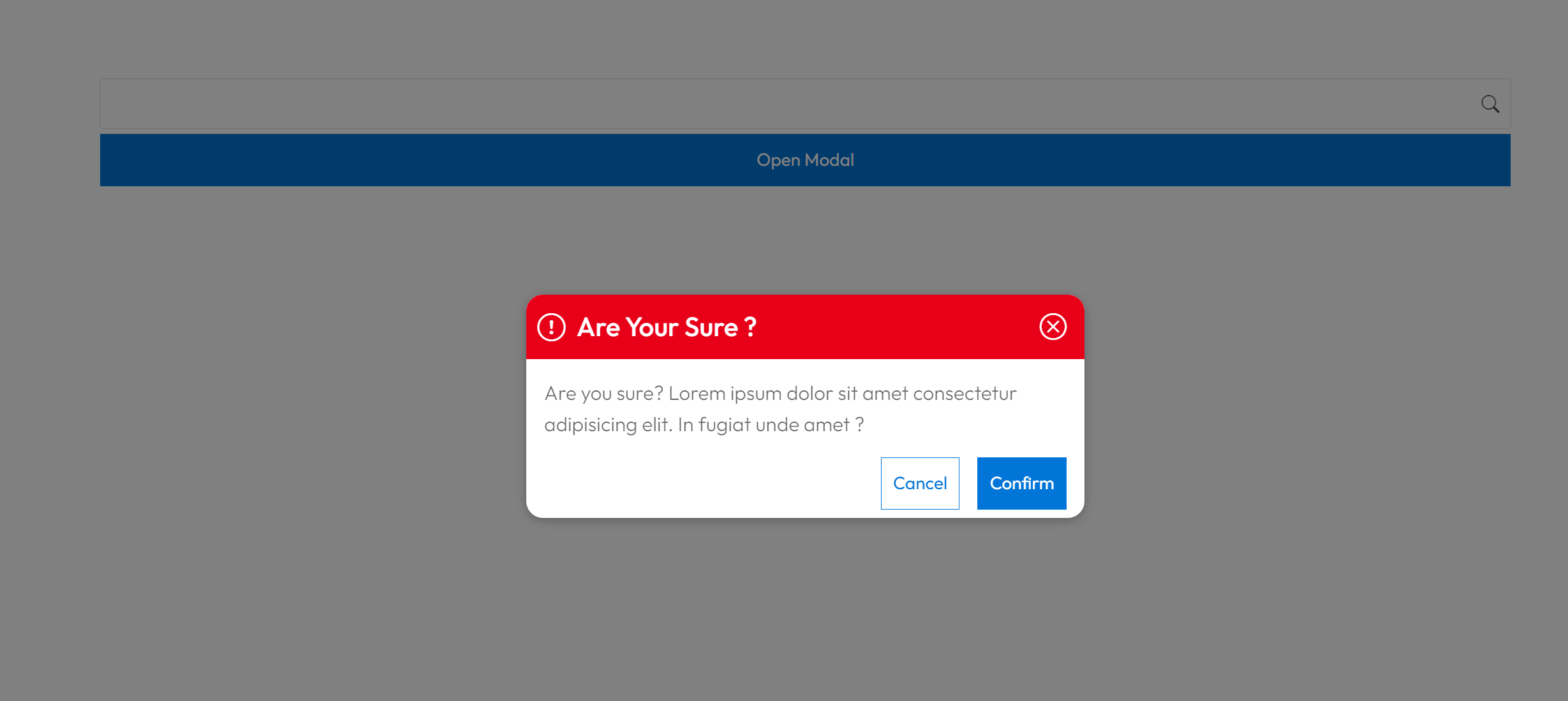
The above code will render Time like this.
Props
| Name | Type | Required | Description |
|---|---|---|---|
| isVisible | boolean | Yes | For visible to the user |
Events
| Name | Type | Required | Description |
|---|---|---|---|
| onConfirm | () => void | Yes | The onConfirm event For take a confirmation from user |
| onCancel | () => void | Yes | The onCancel event For take a confirmation from user |